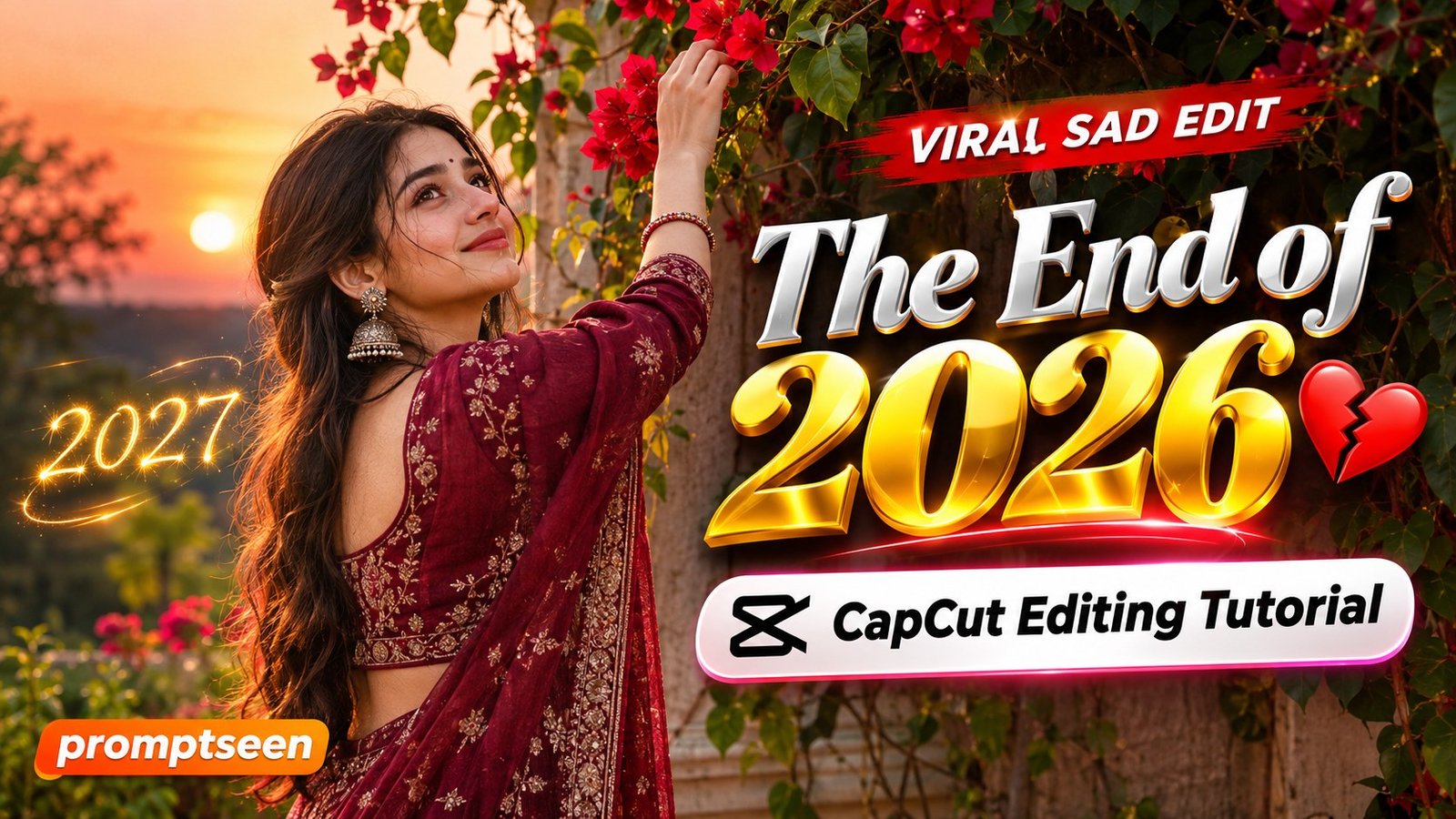
The 2026 End The New Beginning Start 2027 CapCut Template on PromptSeen is a New Year editing trend for people who want to say goodbye to 2026 and welcome 2027 with a stylish, emotional video. You add your own photos and clips, and the template does the editing.
It suits personal memories, a glow-up, travel moments or a short look back at your best days of the year. You do not need editing skills, because the transitions, text animation and beat sync are already built in. This page shows the template, the steps to use it and a few ways to make the result look better.
1. The 2026 End The New Beginning Start 2027 template
This template is built around the change from 2026 to 2027. It shows the end of one chapter and the start of the next, using smooth transitions, beat sync and year-ending visuals.
Use clear photos or clips of friends, travel, achievements or a personal change. Tap the button below to open the template in CapCut.

How to use this template
Follow these steps. They take only a few minutes.
- Install CapCut. Make sure the CapCut app is on your phone.
- Open the template. Tap the Use Template in CapCut button above.
- Select your media. Pick photos or clips to fill the slots the template asks for.
- Preview the video. CapCut arranges the transitions, effects and music sync for you. Change anything that looks wrong.
- Export. Tap Export to save the final video to your gallery.
Best features of this template
The template turns ordinary photos and clips into a short New Year video without manual editing.
- Beginner friendly. Most of the editing is done for you once you pick your media.
- Smooth transitions. Slow-motion style transitions and cinematic effects make memories look polished.
- Stylish text. Year-changing animations and typography fit the 2026 to 2027 theme.
- Works on short video apps. Use the result for Reels, Shorts, WhatsApp Status and Facebook videos.
Tips for a better result
Your own media decides how good the video looks.
- Use high-quality media. Choose photos and clips with good light and a clear view.
- Mix moments from the year. Celebrations, travel, friends and achievements from 2026 tell a better story.
- Match the beat. Pick clips that fit the mood of the music.
- Skip random photos. Too many unrelated pictures break the flow.
- Export in 1080p at 9:16. This fits Instagram Reels and YouTube Shorts best.
What goes wrong
The most common problems with templates like this.
The template does not open
The CapCut app is missing or out of date.
Fix: install or update CapCut, then tap the button again.
The video looks blurry
Low-quality photos or clips were selected.
Fix: use sharper, well-lit media.
The cuts feel off the beat
The clips do not match the music mood.
Fix: swap the clips and preview again.
The video is cropped
The wrong ratio was used when posting.
Fix: export at 9:16 for Reels and Shorts.
Before you post
Use only photos and clips that you own or that the people in them are happy to share. Open with a strong moment in the first few seconds and add a caption that fits the New Year theme. Hashtags such as #CapCutTemplate, #NewYear2027 and #2026Memories can help people find it. No template can guarantee views, but good media and regular posting improve your chances.
Frequently asked questions about 2026 end the new beginning start 2027 capcut template on PromptSeen
What is this template?
It is a CapCut video template built around the change from 2026 to 2027, with text animation, transitions and beat sync.
Do I need to be good at editing?
No. Pick your photos or clips and CapCut applies the effects and music sync for you.
Do I need the CapCut app?
Yes. Install CapCut on your phone, then open the template from the button on this page.
What size should I export?
Export at 1080p in 9:16 for Instagram Reels and YouTube Shorts.
Will the video go viral?
No template can promise that. Good media, a strong opening and regular posting help.
PromptSeen is run by Rutik Soni. Each post is written around its own example images. Prompts give different results every time, so your picture may not match ours. Read how we work in the Editorial Policy, or write to support@promptseen.co if something is wrong.