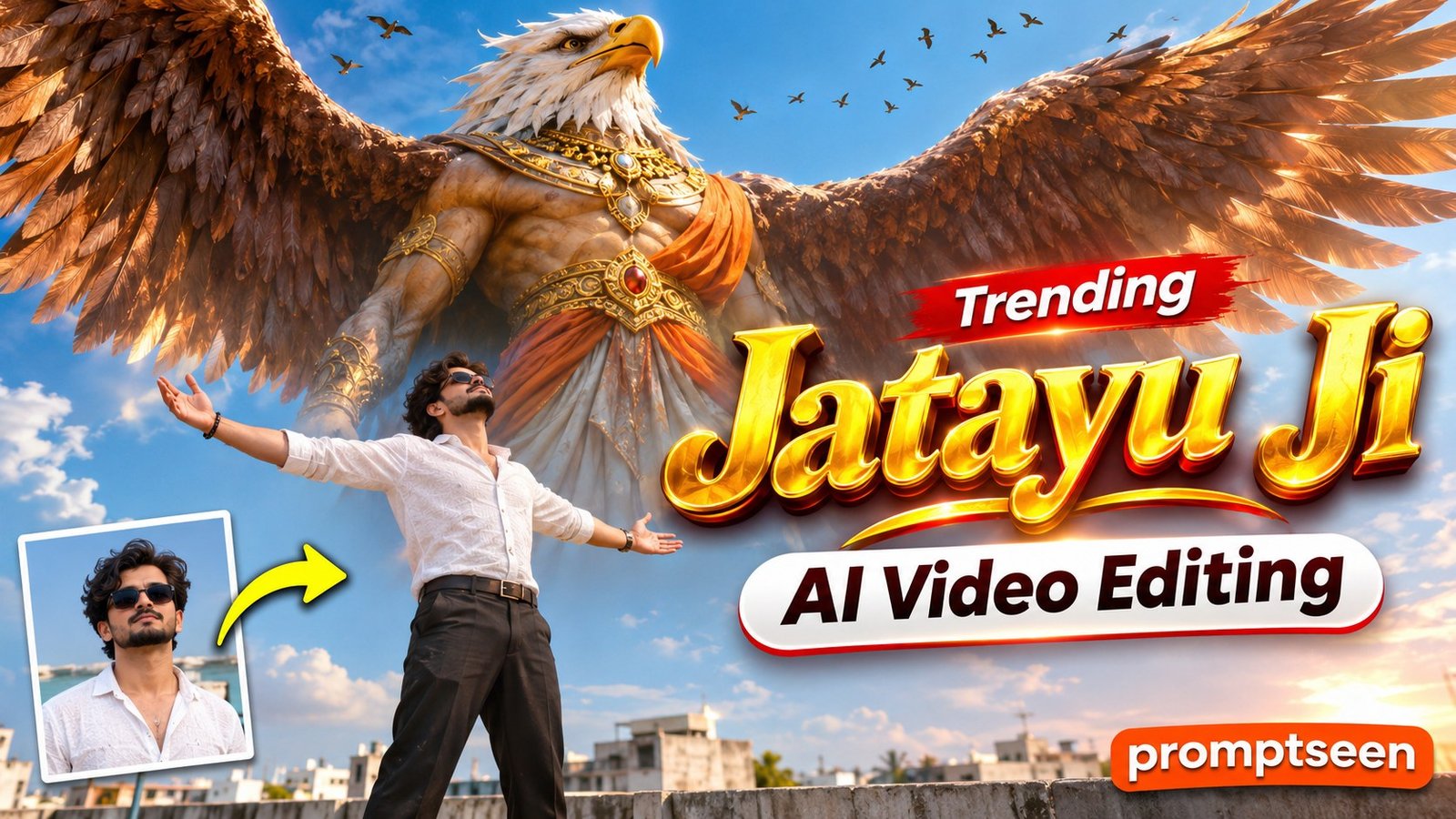
On PromptSeen you get the prompt for Ramayan’s Jatayu Ji AI video, which is going viral on Instagram. A person stands in a warrior-like pose, and suddenly Jatayu Ji from the Ramayan appears behind them with a flock of small birds, set to music that matches the mood.
This post gives you the image-to-video prompt, the Flow AI steps and a few fixes if something fails. You can also try the same idea in Google Gemini if your plan includes video generation.
1. Jatayu Ji rising behind you (image to video)
A low-angle shot of you in a heroic pose. A huge humanoid eagle with brown wings and a white head rises from behind your back into the open sky, while smaller birds fly in the background.
Upload a photo where your whole body is visible, because the prompt starts with a head tilt and open arms.
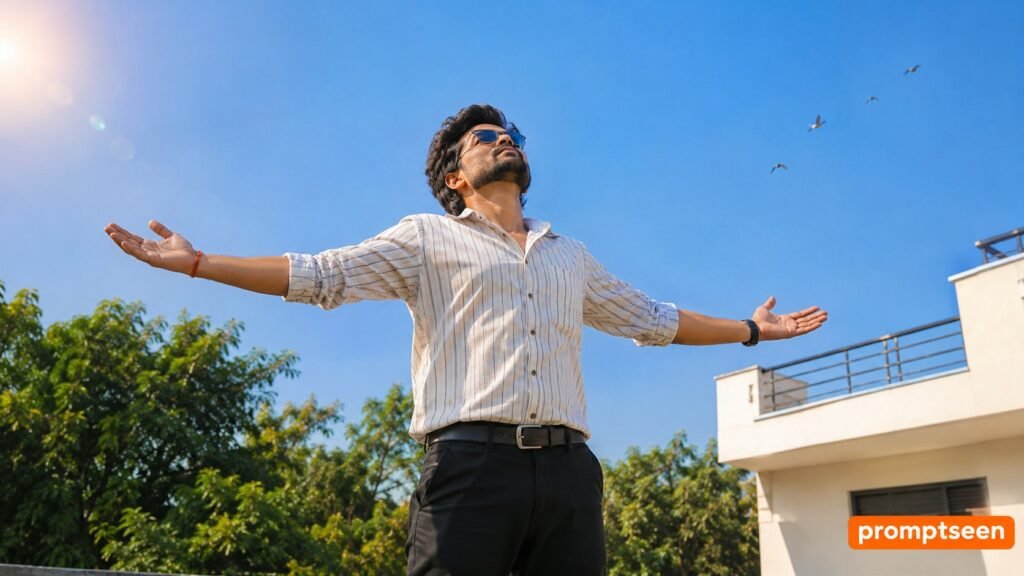
Preserve the exact facial identity, clothing, lighting, and background from the reference image. Low-angle cinematic shot. If the person's arms are down or closed, they smoothly tilt their head back toward the sky and spread both arms wide open; if their arms are already spread wide, they maintain that exact heroic pose with subtle breathing and gentle wind moving through their hair and clothes. Simultaneously, a colossal, muscular humanoid-eagle mythical creature with massive brown feathered wings and a white eagle head rises powerfully from directly behind their back into the open sky. The giant winged creature hovers majestically behind the person with its enormous wings fully spread wide, framed symmetrically behind their body. A flock of smaller birds flies across the sky in the background. Locked camera, smooth slow-motion VFX reveal, photorealistic, warm natural sunlight with subtle lens flare.How to create the video on Flow AI
Copy the prompt above first, then follow these steps.
- Open Flow AI. Visit the Flow AI website, click Create with Flow, then log in or sign up. New accounts get free credits.
- Start a project. Click New Project.
- Set the options. Choose Video Mode, Ingredient, a 16:9 aspect ratio and Omni Flash 1. Keep the duration at 10 seconds.
- Upload and paste. Upload your clear face image and paste the copied prompt.
- Generate and save. Click the Generate icon, wait a few moments, then save the video to your device.
How to generate the video on Gemini
Gemini can also make videos, but you need a Gemini subscription plan for video generation. Jio SIM users may be eligible for a Gemini Pro offer through the MyJio app. Install the Google Gemini app and log in, go to the Video option, upload your reference, select 16:9 and start generating. Your video count is limited, so use it with care.
Tips for a better result
Small choices in the photo change the result a lot.
- Use a clear, well-lit photo. Show the whole body, because the prompt starts with a low-angle shot and a head tilt.
- Keep the background simple. It helps the sky and wings stand out.
- Refresh if Flow AI errors. Reload the page and run the prompt again.
- Keep it respectful. The character is from the Ramayan, so avoid jokes or edits that mock it.
What goes wrong
The most common Flow AI problems.
The video does not generate
A reference video with its original sound can fail in Flow AI.
Fix: upload a muted reference video.
The result looks wrong
The photo is blurry or unclear.
Fix: upload a clear, well-lit photo of your face.
The result does not match your photo
The uploaded image was not selected as a reference.
Fix: select the image as a reference after you upload it.
Before you post
Say in the caption that the video is AI-made. Only use photos of people who agree to it. Jatayu Ji is a character from the Ramayan, so share the video with respect.
Frequently asked questions about jatayu ji ai video editing on PromptSeen
Which tool do I need for this video?
This post uses Google Flow AI. You can also try the same prompt in Gemini if your plan includes video generation.
Do I need a reference video?
No. This is an image-to-video prompt, so one clear photo of the person is enough.
Why did my video fail to generate?
Common reasons are a blurry photo, a heavily edited prompt, or a reference video with its original sound. See the What goes wrong section above.
PromptSeen is run by Rutik Soni. Each post is written around its own example images. Prompts give different results every time, so your picture may not match ours. Read how we work in the Editorial Policy, or write to support@promptseen.co if something is wrong.
1 thought on “Prompt Seen: Trending Ramayana’s Jatayu ji AI Video Editing”