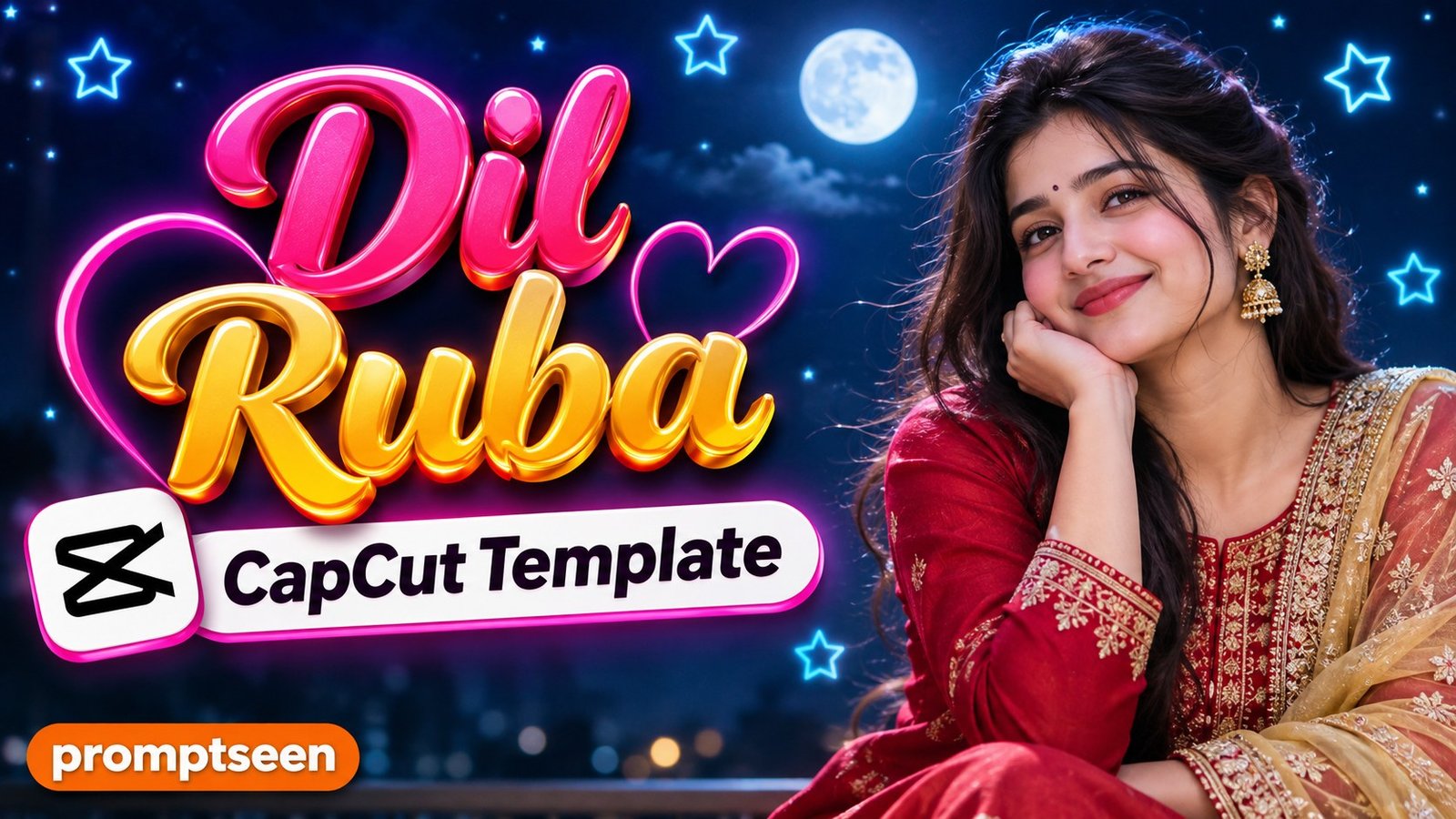
The Dil Ruba Dil Nashin edit is a short, lyric-led reel: a line of song text appears over a portrait while the clip moves to the beat. This page keeps the CapCut link for the template, and a QR code for the VN editor.
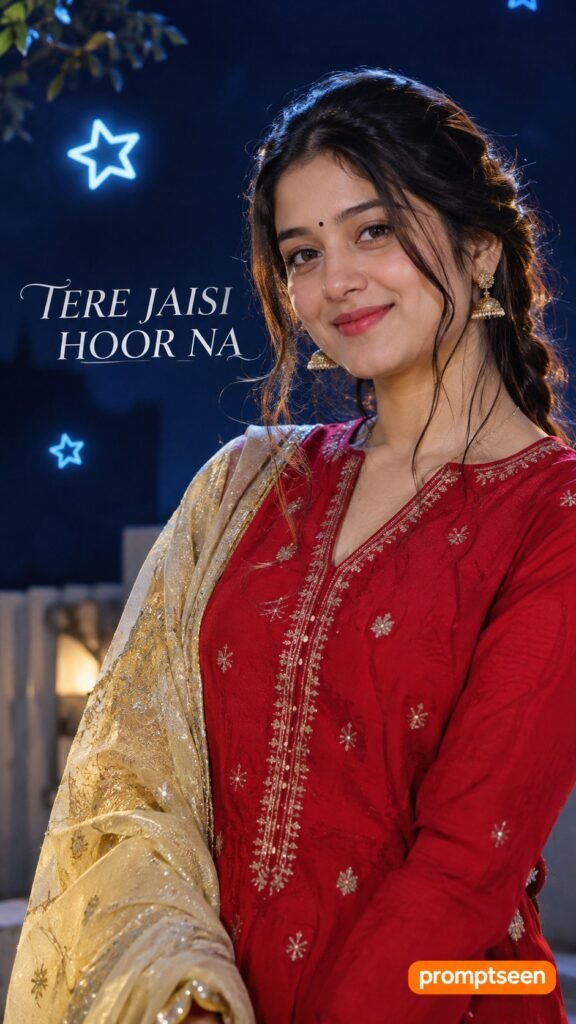
The sample pictures show a girl in a red outfit with lyric text and blue star stickers. Your own photos replace hers when you load the template.
What the sample shows
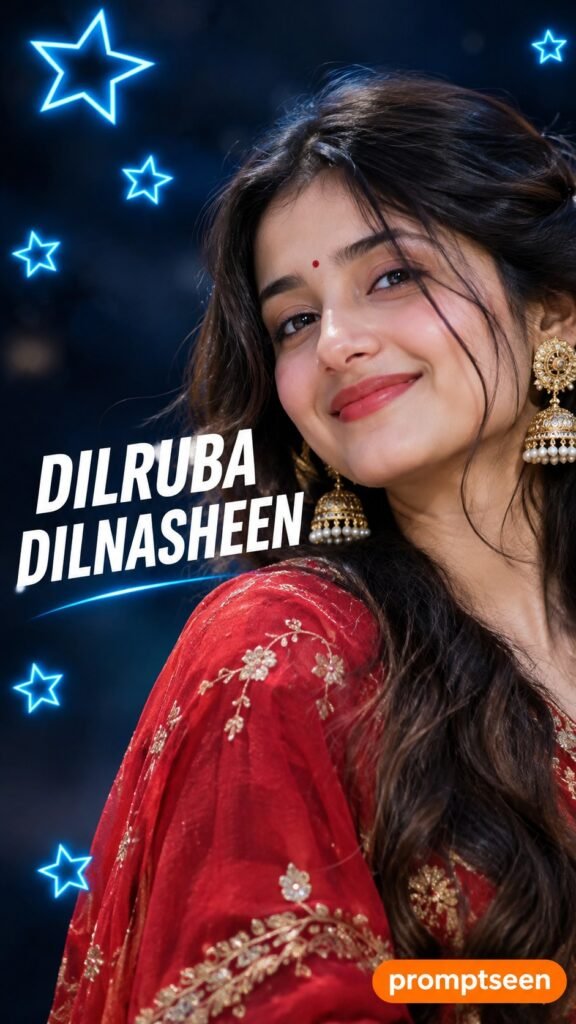
The two sample pictures show the edit: a lyric line, “TERE JAISI HOOR NA”, and later the title text “DILRUBA DILNASHEEN” over the picture, with blue star stickers. The text and stickers come from the template, so they will move when you use it.
The sample is a single person. Choose photos where the face is clear, because the lyric text sits on the left side of the frame and can cover part of the picture.
Prompt for: Girls
A second sample frame
The second sample is a closer shot of the same kind of edit. The title text sits on the left, and the stars frame the picture. Compare your own photo with this framing before you export.
Prompt for: Girls
Open the template in CapCut
Tap the button on your phone. CapCut should open the template page. On a computer, send the link to your phone first.
The link is a CapCut template page. It opens inside the app. We removed a tracking code from the end of the address, which is not needed to open the template.
Make the reel with the VN QR code
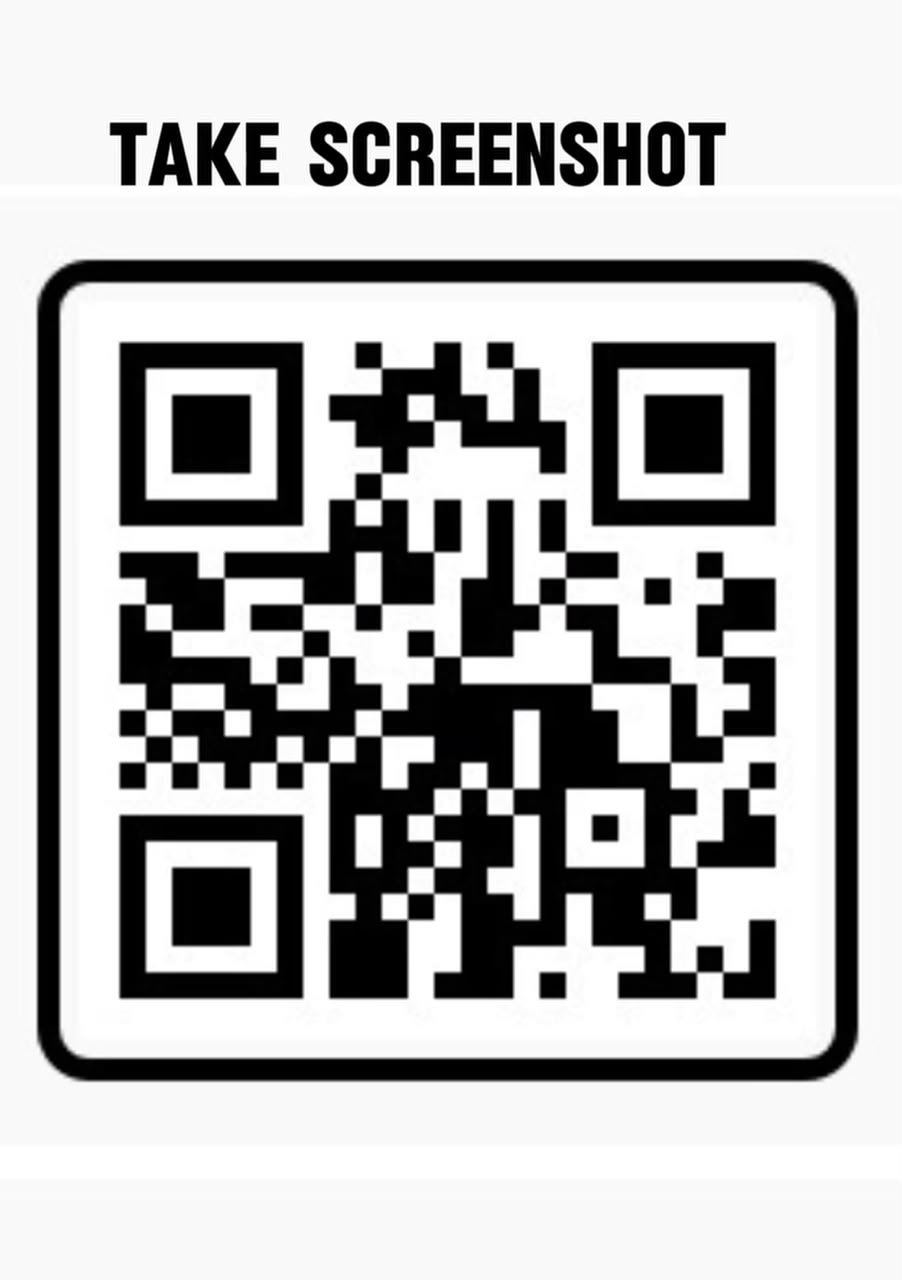
VN is another free editor. Open VN, tap the scanner icon on the home screen, and scan the code below. If you have only one phone, take a screenshot of the code from another screen, then choose it from your gallery when VN asks. Once the code loads, tap Use template, choose your photos or clips, preview, and export in 1080p.
How to use the template
The steps are the same for both apps.
- Update your editor. An old version is the most common reason a template does not open.
- Open the link or scan the code. Wait for the preview to load.
- Tap Use template. Choose photos or clips in the order the template asks.
- Preview the reel. Check that the lyric text does not cover your face.
- Export at 1080p. Then share it as a vertical 9:16 reel.
Tips for a better result
Lyric templates depend on the face being in the right place.
- Use a clear, centred face. The text sits on one side, so keep your face in the middle.
- Use bright photos. Dark or blurry shots lose detail in a glowing edit.
- Mix poses. Different angles keep the reel from looking static.
- Export vertically. The template is built for 9:16.
What goes wrong
These are the problems people meet most often.
The CapCut button does nothing
The app is old or the template is not in your region.
Fix: update CapCut and try again, or use the VN code.
The QR code does not scan
The image is small or has a glare.
Fix: take a sharper screenshot or scan it from a bigger screen.
The text covers your face
The clip was framed too far to one side.
Fix: reframe the clip or choose a photo with the face in the middle.
Export is slow
The phone is short on memory.
Fix: close other apps and free some storage.
What the two sample frames show
Both frames show a girl in red with a lyric overlay and blue star stickers: one in a red kurta and gold dupatta, the other with gold jhumka earrings. The look is warm, bright and decorated with stickers. Photos in red, gold or other warm colours will blend in better.
Take a screenshot of the VN QR code and open it from inside VN, not with the phone camera.
Who this suits
People who want a quick lyric reel of their own photos. It suits a single portrait best.
It is not for long videos, because templates are short by design.
What we removed from this page
The earlier version sent readers to other pages on the site, used the phrase “Prompt Seen website” as a step, and linked to a Play Store page for an app. We removed those steps and kept the CapCut link and the QR code above.
Frequently asked questions about dil ruba dil nashin capcut template
Is the template free?
CapCut and VN templates are free to open. Some effects can depend on your region or app version.
Do I need VN or CapCut?
Use CapCut with the button, or VN with the QR code. You do not need both.
Why does the QR code not work?
Take a clear screenshot and scan it again, or update VN and try.
Can I change the text?
Usually yes, inside the editor after you load the template. Check the preview before you export.
Will there be a watermark?
That depends on the app version and export settings, so check the export screen.
More CapCut templates
If you like this one, here are similar pages on Prompt Seen.
Related reading
PromptSeen is run by Rutik Soni. Each post is written around its own example images. Prompts give different results every time, so your picture may not match ours. Read how we work in the Editorial Policy, or write to support@promptseen.co if something is wrong.