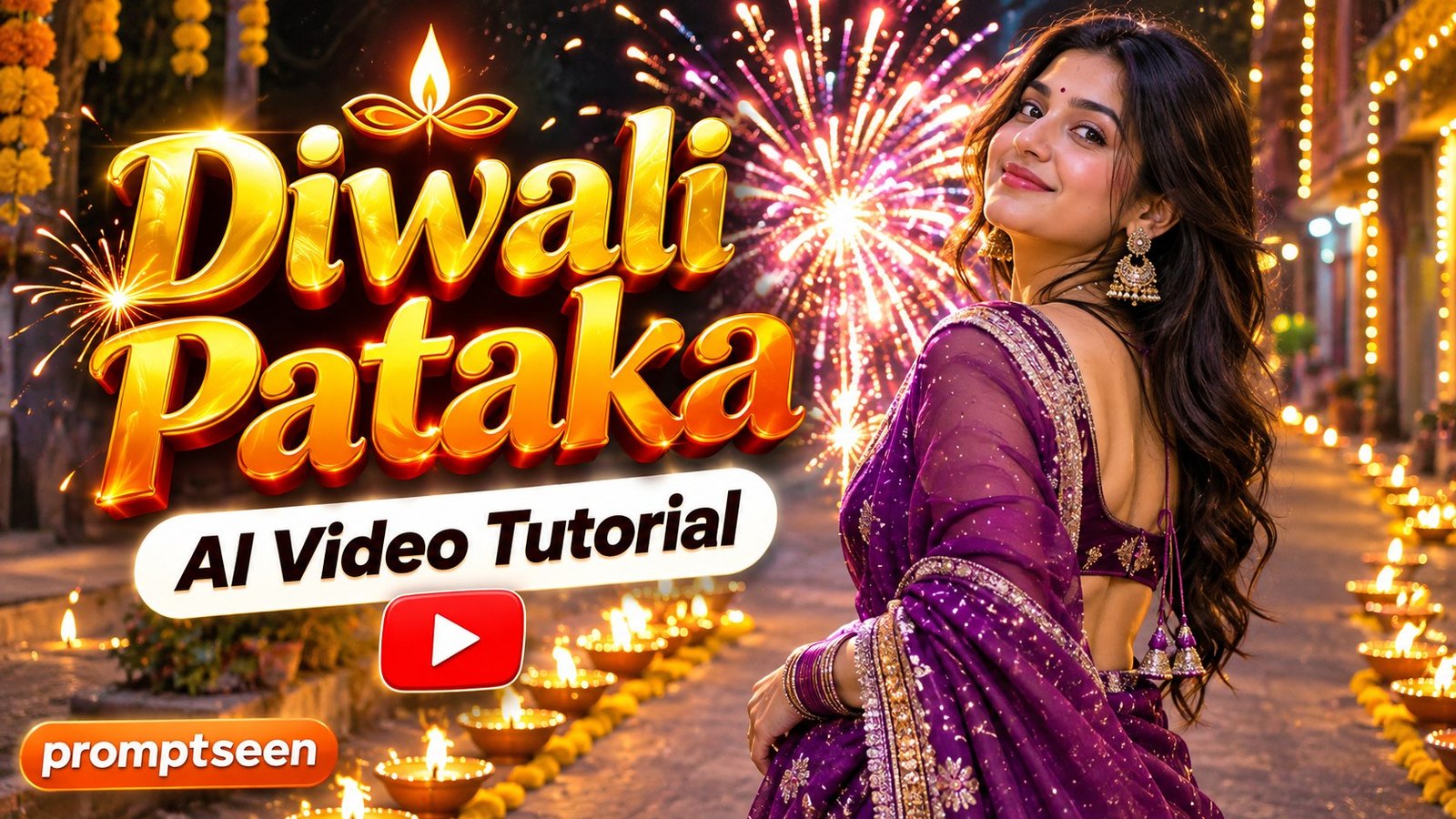
The Diwali Pataka transition is a short edit where one scene turns into the next with a firecracker-style burst. It has been used for festival reels, and the effect works on ordinary street and home clips.
This page explains the look, gives the one video prompt for making it with an AI video tool, and lists the steps to post the final reel.
What the tutorial picture shows
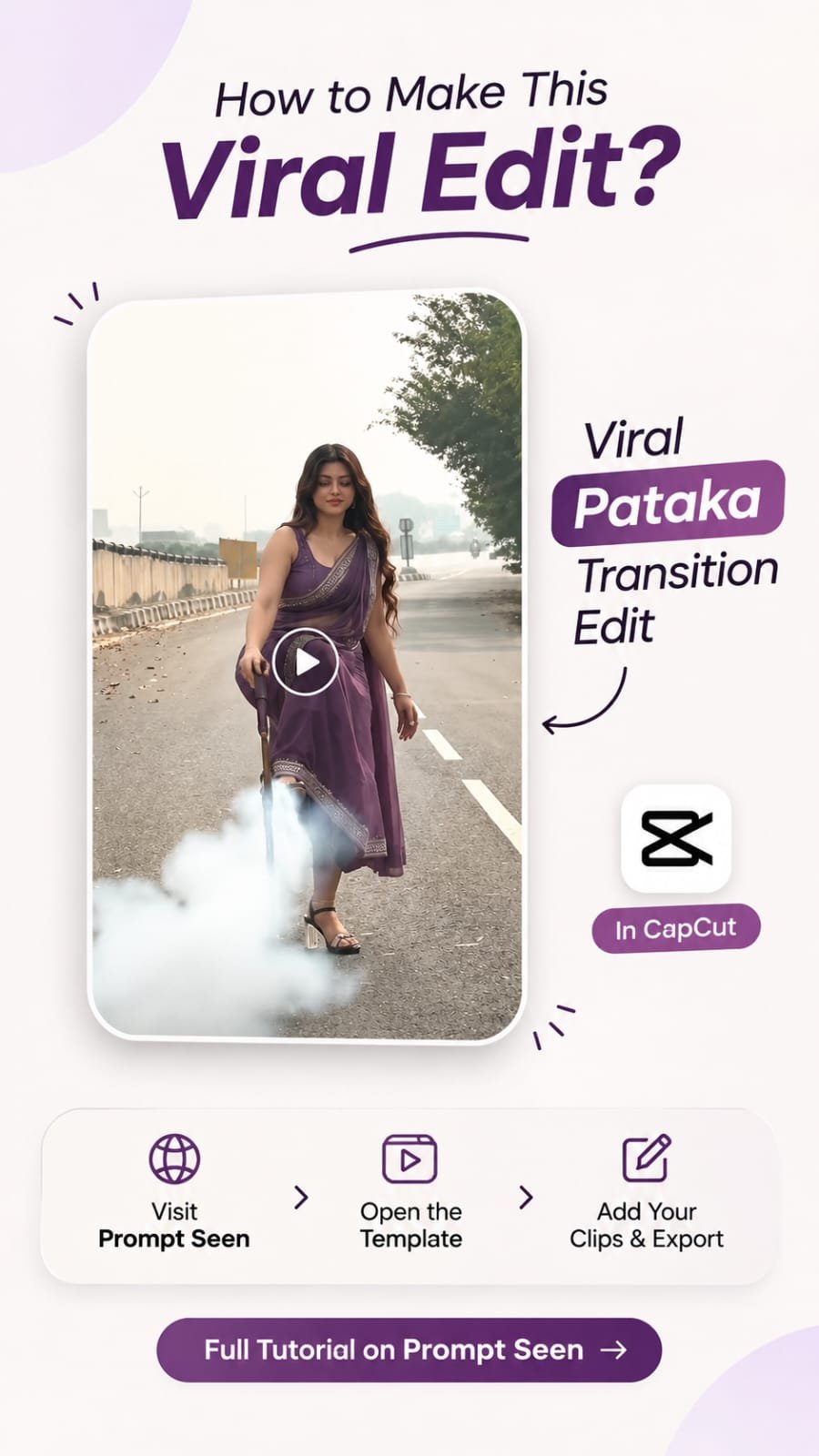
The graphic shows a woman in a purple saree walking on a road while a puff of white smoke rises at her feet. It is a tutorial cover, not the final video, and it lists three steps: visit the guide, open the template, and add your clips and export.
Prompt for: Girls
The video prompt
The prompt below asks an AI video tool to copy the motion and camera movement of a reference video onto the person in your photo. Use one reference clip with a clear transition, and one photo of the person, then paste the prompt. It is written for a 9:16 vertical video.
Create a highly realistic 9:16 vertical video by transferring the EXACT motion, performance and camera moverment from the REFERENCE VIDEO onto the persons shown in the TARGET IMAGES, Use Image 1 for Girl reference and image reference from the Video.Make the reel
Generate the clip, download it, then add the transition effect in your editor. Keep the music festive and match the cuts to the beat. Export at the highest quality your phone handles well and share it as a Reel or Short.
Steps to make the video
These steps follow the prompt above.
- Choose a reference clip. Use a short clip with a clear transition, such as a quick cut or a burst of smoke.
- Pick one photo. A clear photo of the person facing the camera.
- Paste the prompt. Keep the line that says to use the photo as the target.
- Generate and check. Look at the motion and the face before you keep the clip.
- Edit and export. Add music, match the cuts, then export in 1080p.
Tips for a better result
The transition works best when the clips are clean.
- Shoot in good light. Diwali scenes look best when the lights are clear and not too dark.
- Match the beat. Cut the transition on a drum hit or a firecracker sound.
- Avoid too many effects. One transition plus clean music is stronger than many effects.
- Check the whole video. Watch it through once before you post.
What goes wrong
These are the problems most people meet.
The motion does not match
The reference clip is too busy.
Fix: use a simpler reference with one clear movement.
The face changes
The photo is small or dark.
Fix: use a larger, sharper photo.
The smoke or fire looks fake
The effect is too strong.
Fix: regenerate with a softer effect.
The export is slow
The phone is short on memory.
Fix: close other apps and free some storage.
What the tutorial picture tells you
The cover is a tutorial graphic, not a finished edit. It shows a woman in a purple saree walking on a road. The prompt itself uses a reference video for the walk and camera and a photo of the person who should replace her.
Keep the wording about the Girl reference and the video. If you swap them, the tool may copy the face from the video.
Fireworks and safety
A Diwali video with crackers is only a picture. Do not copy a risky scene in real life, such as holding a firework in your hand. Keep a safe distance in anything you actually film.
Use your own photo or an adult’s who has agreed.
Before you post
Use only your own photos or those of people who agree. Say in the caption that the video is AI-made.
Frequently asked questions about diwali pataka ai video tutorial
Where do I get the reference video?
Use any short clip with a clear transition that you have the right to use. Do not use a clip from someone else without permission.
Do I need Google Flow?
The prompt is written for an AI video tool. Use any tool that accepts a reference video and a photo.
Can I use this for other festivals?
Yes. Change the words for the festival and the clothes in the prompt.
Should I label the video as AI?
Yes. A quick note in the caption is enough, and a few apps ask for it anyway.
More video tutorials
More pages from Prompt Seen you may enjoy:
Related reading
PromptSeen is run by Rutik Soni. Each post is written around its own example images. Prompts give different results every time, so your picture may not match ours. Read how we work in the Editorial Policy, or write to support@promptseen.co if something is wrong.